


News
OpenSpace3D 1.92
OPENSPACE3D V1.92: Elevating Visual Realism
Embark on a journey of visual sophistication with OpenSpace3D 1.92, introducing cutting-edge features that redefine visual fidelity and amplify creative flexibility in content creation.
Ignite your creativity with the inclusion of PBS material, GLTF2 support, Rect Light, VR Passthrough, and Android speech recognition. Transform your imaginative visions into immersive and captivating experiences.
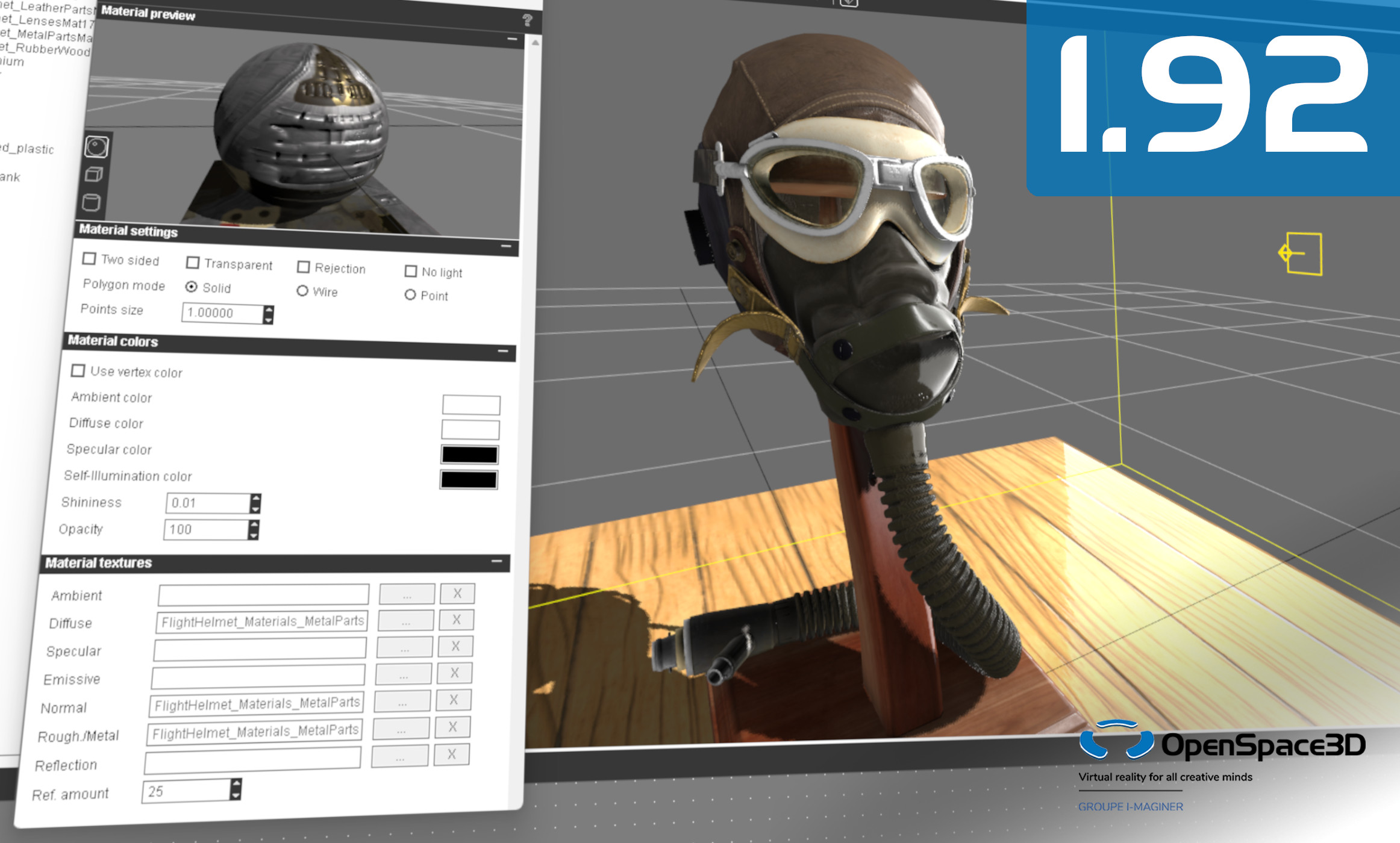
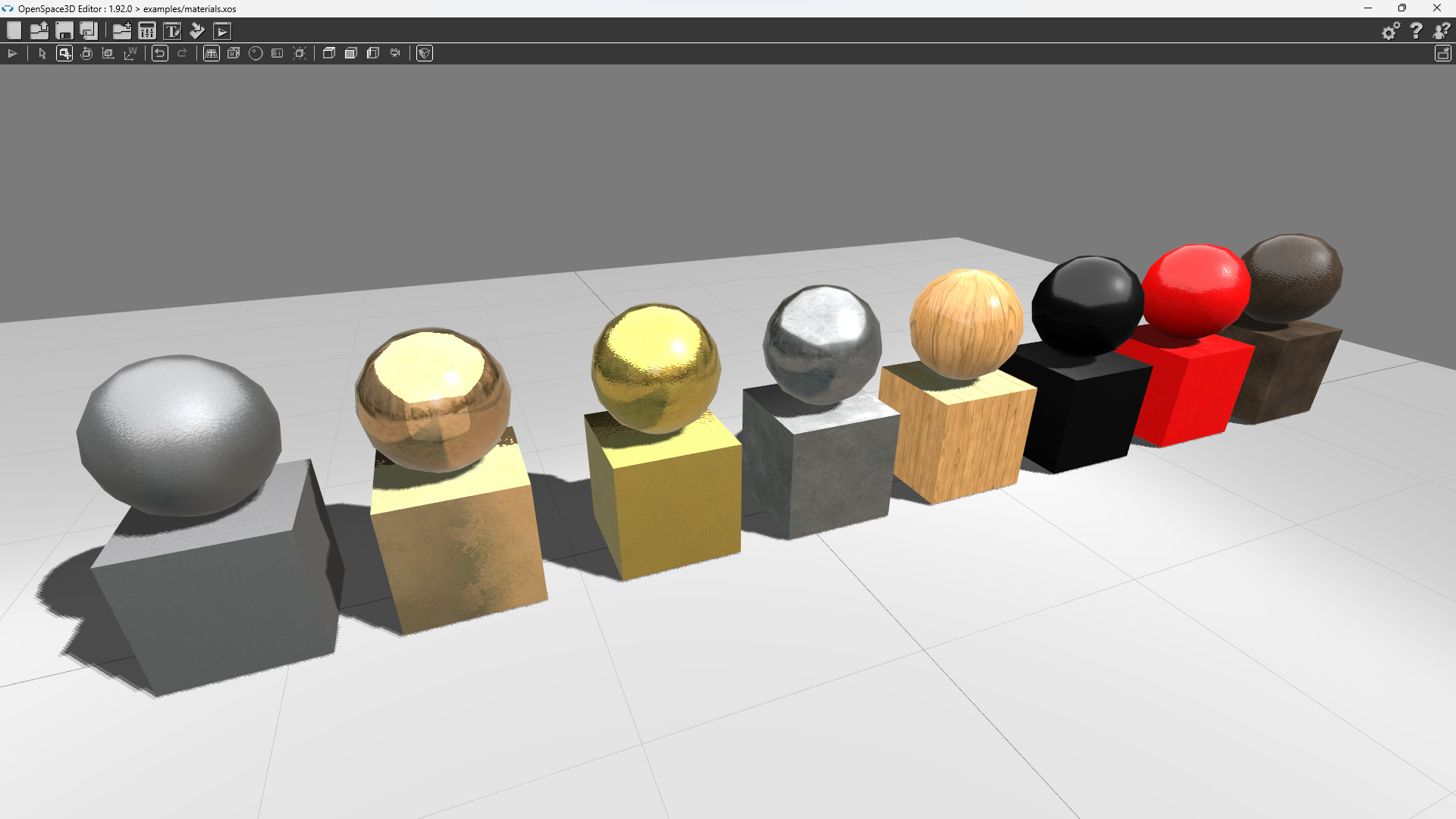
PBS Material Support
Immerse yourself in the power of physically based rendering with the introduction of PBS (Physically Based Shading) material support.
Enjoy a smoother workflow with improved compatibility for GLTF2, a widely adopted open standard for 3D asset delivery.
Explore expanded options with Roughness and Metalness integrated into one texture in the Material Editor.
New Features
Introducing a new network PlugIT that allows instantiating a project for each network user.
Several other PlugITs have been enhanced, including voice recognition now available for Android, the Joypad PlugIT, and many more.
Hand tracking and passthrough mode are now available for Pico headsets, with an example and template for quick implementation of this functionality.
OpenSpace3D 1.91
OPENSPACE3D V1.91: New release
This new OpenSpace3D version add new features and correct some issues from the previous release.
The issue with some AMD cards and 3D models have been resolved.
Portable version of OpenSpace3D have some more settings to allow to choose the user directory. This will help some school with locked computers to make only one software installation for all users.
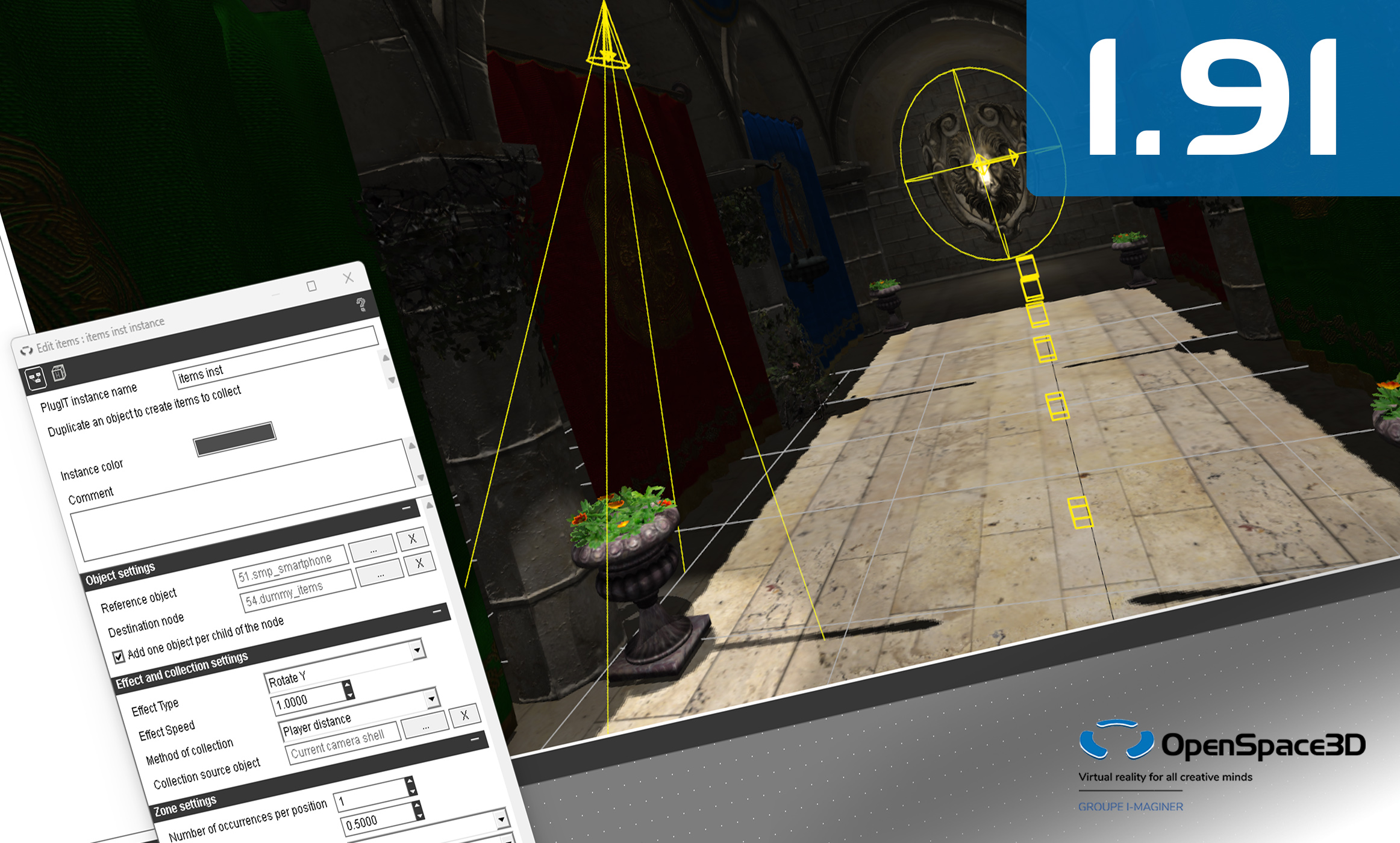
New plugITs
A new Items plugIT allow to clone an object several times to make items to collect for games.
Since a lot of users use the Micro:bit card, a specific plugIT along with a firmware for the card have been added to control inputs/outputs from OpenSpace3D serial communication.
OpenSpace3D 1.90
OPENSPACE3D V1.90: New release
OpenSpace3D 1.90 introduces OpenXR support for virtual reality devices, along with a new export platform for Pico devices allow you to run your VR APP directly on any new Pico XR devices.
The 3D engine now allows the use of DirectX11 for rendering under Windows, this allows better performance on certain computers as well as Windows Mixed Reality support for VR.
The VR templates have been updated to use OpenXR.
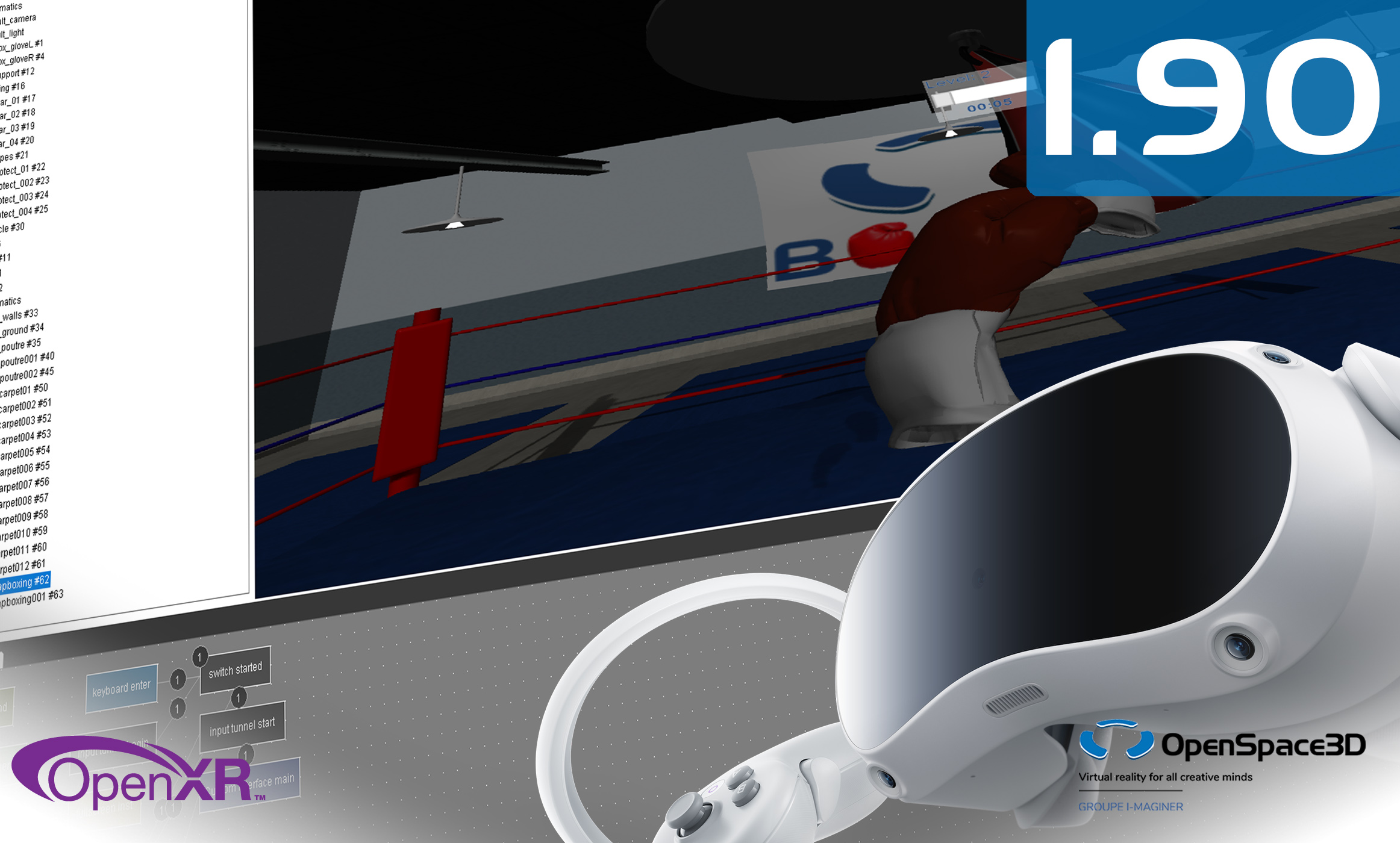
Updates
The 3D engine now support all compositors and effects on Android.
The 3D model import library has been updated to gain ever more compatibility.
Android export now use the Android API 33 to keep the Google play compatibility.
OpenSpace3D 1.87
OPENSPACE3D V1.87: Update
With OpenSpace3D 1.87 we continue to work on templates categories and user experience.
The user interfaces for a more simple file selection have been change in several plugITs and editor areas.
Some plugIts like Countdown or Explode have been updated for more flexibilities.
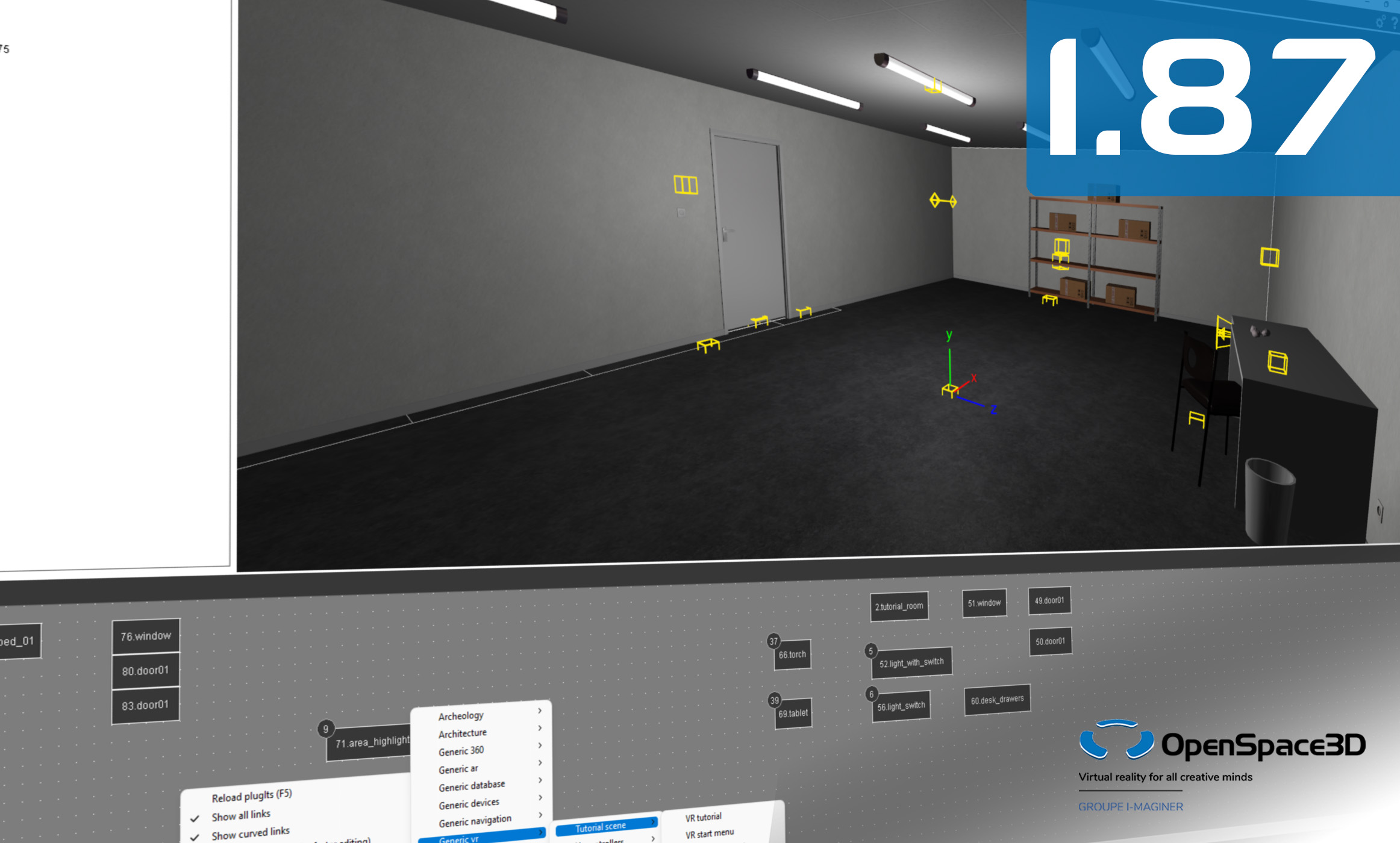
3D engine and other dependencies upgrade
The 3D engine update allows to prepare the next features of OpenSpace3D and also to get better performances on several platforms.
Android part now user the Android SDK 31 and a different windowing setup to get more compatibility with Samsung Dex and multi windowing devices.
OpenSpace3D 1.85
OPENSPACE3D V1.85: Another step forward
On OpenSpace3D 1.85 we focused on the ease of use for templates and user experience.
For instance we have add menus to import a scene template or a plugITs template directly from the fonctions interface
A user level can be choose, in the preferences window, to filter the plugITs list commonly used.
Support for fonts on all platforms has been added to allow display of French accents in interfaces.
Also the 3D library has been updated with objects and room assemblies.
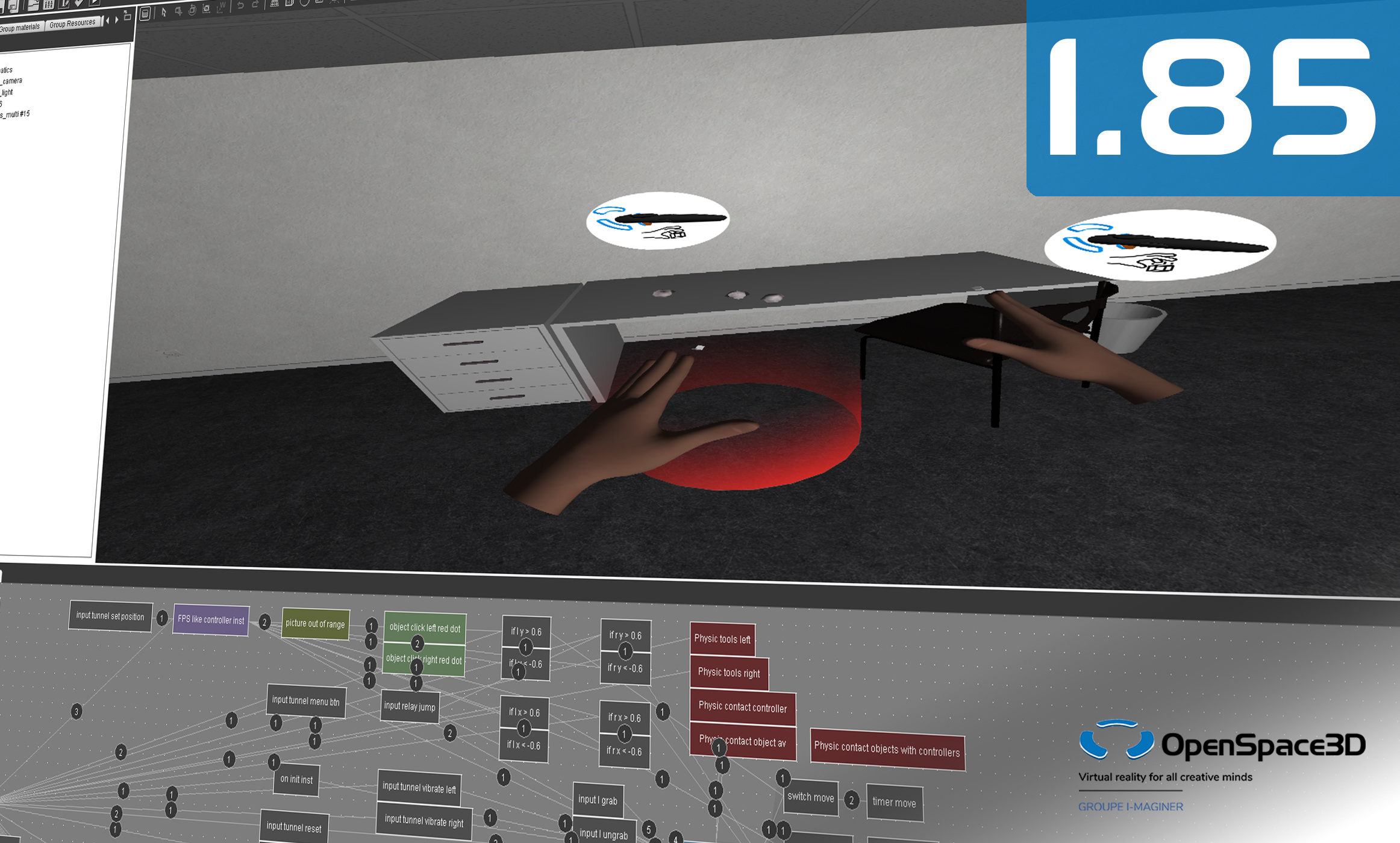

A MORE FLEXIBLE EDITOR
The editor windows can now be detach.
Tools for the scene tree manipulation and filtering have been added.
Colors of the plugITs instances can now be choose and the plugIT’s description is shown in the plugIT box.
The optimisation of imported 3D models now offer more options.
A major change concern default ressources and library, the default 3D models, demos and example are now installed in the system folder and no more in the OpenSpace3D folder that remain exclusive for the user data.
So the files dialogs have been updated to look in the two folders at the same time.
NEW PLUGITS
This update of OpenSpace3D also brings new plugITs such as “Explode”, that allows you to animate an exploded view of a multi-part object, or “LOD Bias”, to manage a camera LOD level.
Several plugITs have been updated with new options like “Video” that now allows to play 3D video content.
OpenSpace3D 1.84
OPENSPACE3D V1.84: Utility update
With OpenSpace3D 1.84 comes a good number of modifications intended to facilitate the use of the OpenSpace3D editor and some of its plugITs.
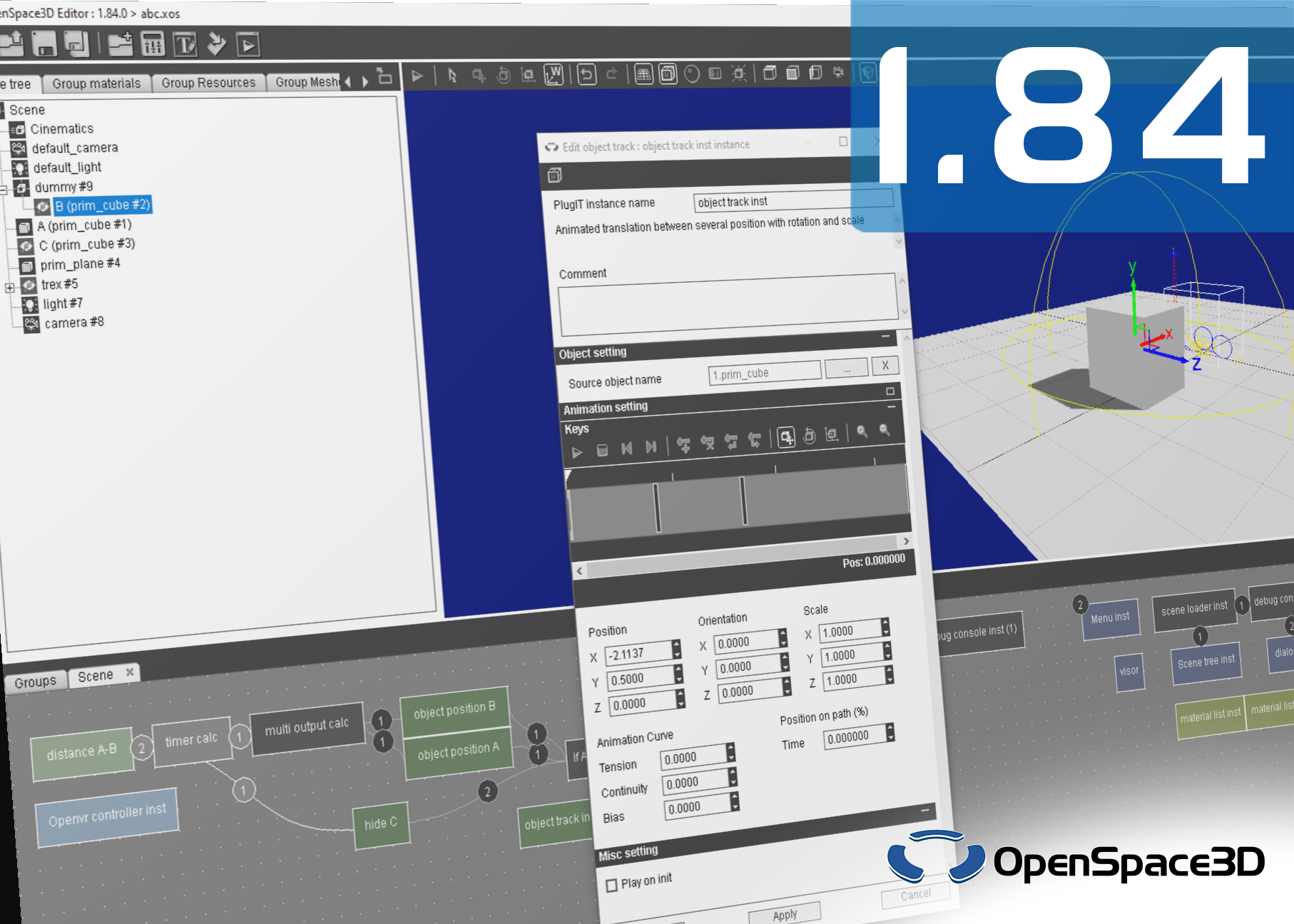
This involves a lot of small practical additions, such as new shortcuts to access different views of your scene or the support of the GLB format, but also features that quickly become essential when editing advanced scenes, such as the possibility to hide objects during the edition or the improved copy-paste of plugITs which now allows to select the links between the plugITs to copy.
Also note, the revision of the “Object track” plugIT which sees a redesign of its interface for a more intuitive use and enhanced with new editing options, the appearance of the “List” plugIT allowing to manage a dynamically-sized list of variables and other plugIT improvements.
EXPERIMENTAL: AUGMENTED REALITY WITHOUT MARKERS
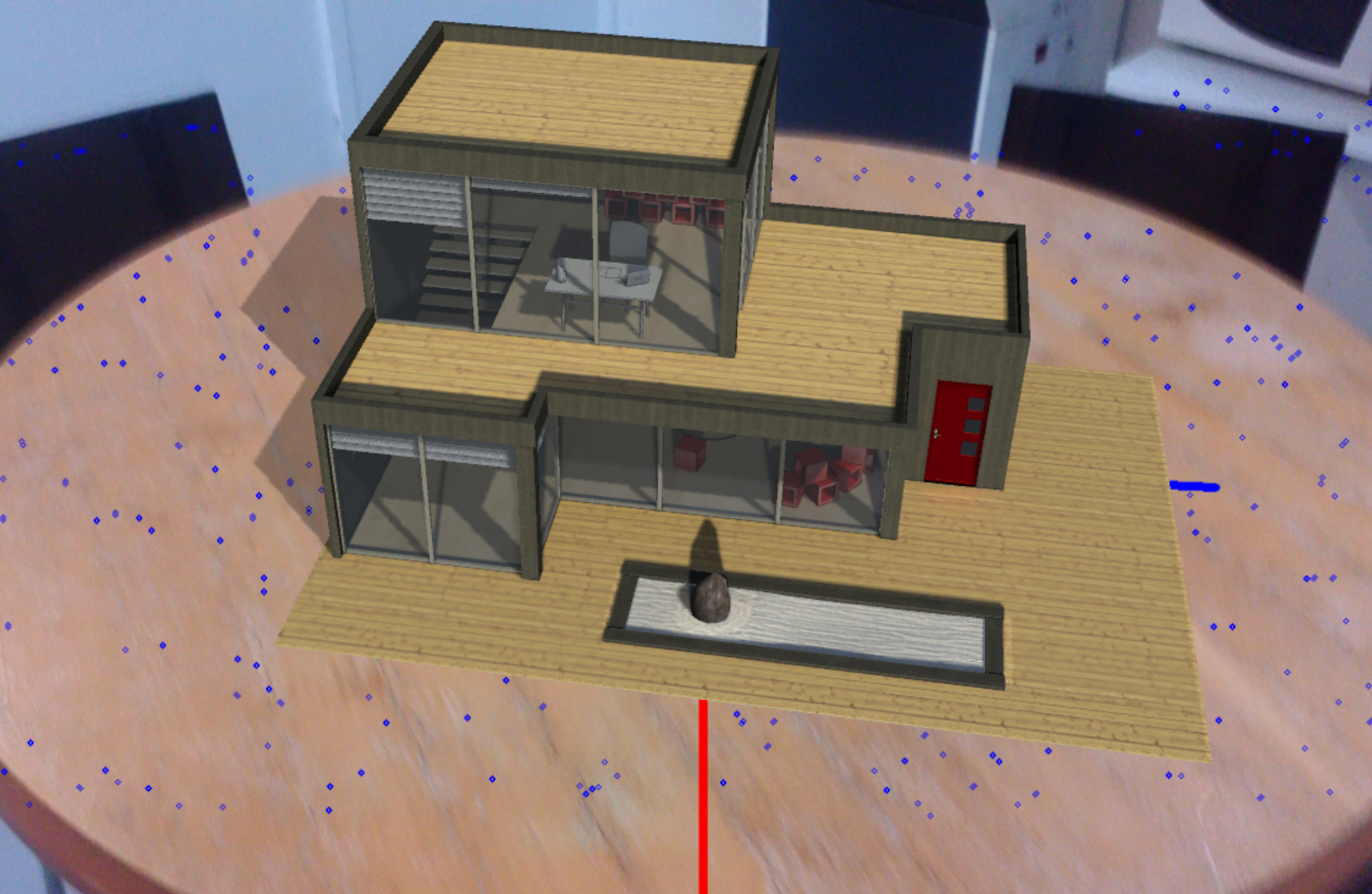
A new plugIT is appearing with a feature that has been requested regularly and that we wanted to implement for a long time: augmented reality without markers!
Thanks to a SLAM (Simultaneous Localization And Mapping) algorithm, OpenSpace3D uses the camera to detect surfaces in your environment and couples them with the device’s gyroscope to position and follow a virtual object in your environment, thus eliminating the need for any support.
The integration of SLAM is still experimental and is therefore likely to evolve a lot. But this allows us to have an overview today of what will be possible with OpenSpace3D in the future.
IMPROVED INTERCONNECTION OF PLUGITS
This version of OpenSpace3D also brings new plugITs and updates to existing plugITs that streamline and improve the interconnection and transmission of information between plugITs.
A new category of “String” plugITs appears with tools allowing to modify and split text, parameters or data. These plugITs have a wide variety of applications, from adapting user interface text to managing information from databases.
Many other plugITs, such as the “Object click” plugIT, have been modified with new events or new options allowing more information to be retrieved to pass to subsequent plugITs, for ever greater versatility.
OpenSpace3D 1.83
OPENSPACE3D V1.83: Oculus Mobile support
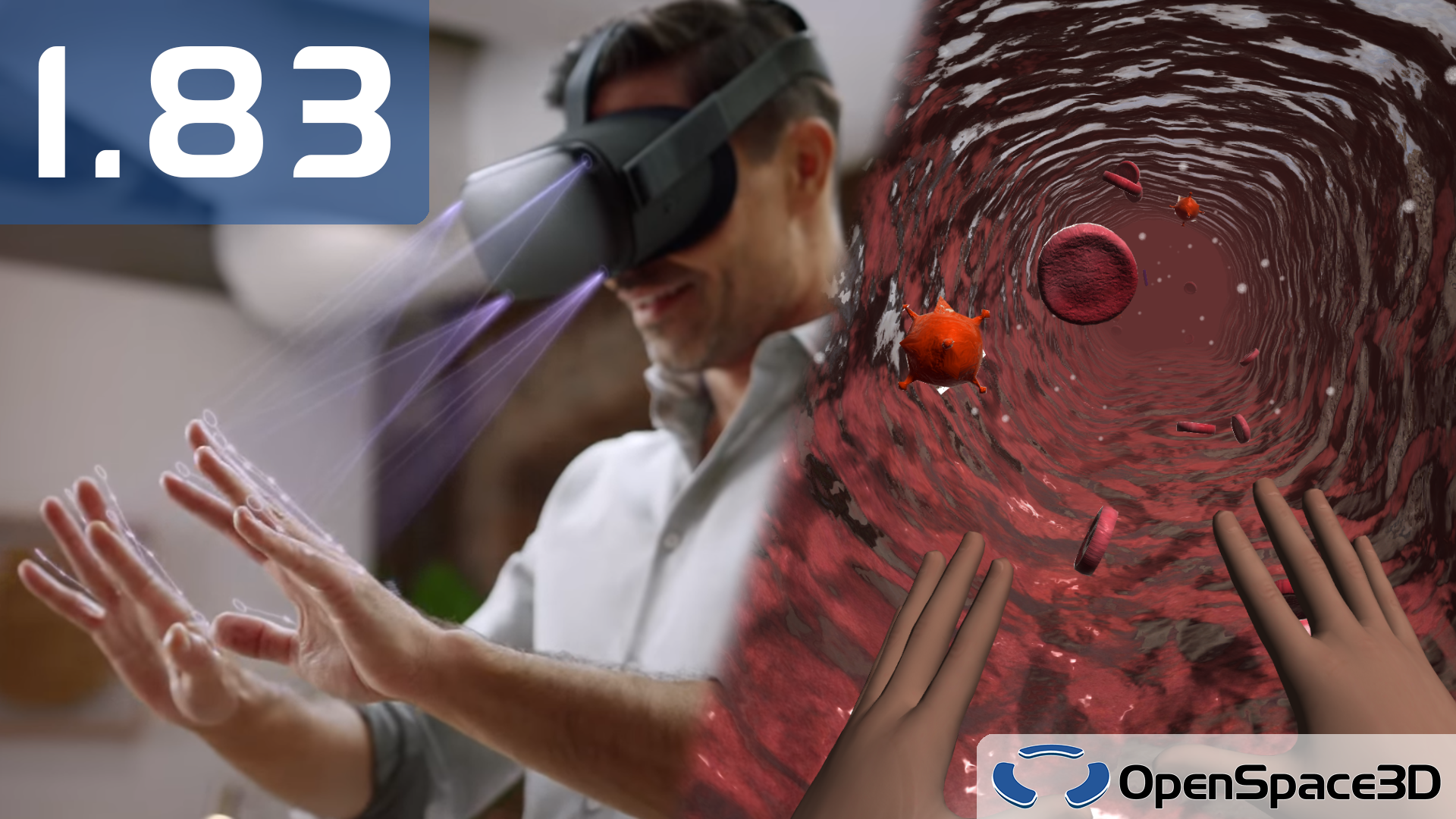
With its 1.83 version, OpenSpace3D now supports standalone virtual reality headsets sold by Oculus. You can now enjoy your virtual reality experiences wirelessly and without any external device thanks to the Oculus Quest!
Among the supported feature is hand detection and tracking. This still experimental technology will allow you to create more immersive experiences than ever, by discarding the controllers to interact with the virtual world with your own hands instead!
A new demo, VR cells, is also available. Specially designed for the Oculus Quest, it will give you an idea of what can be done on the Oculus standalone headsets.
MORE FLEXIBILITY
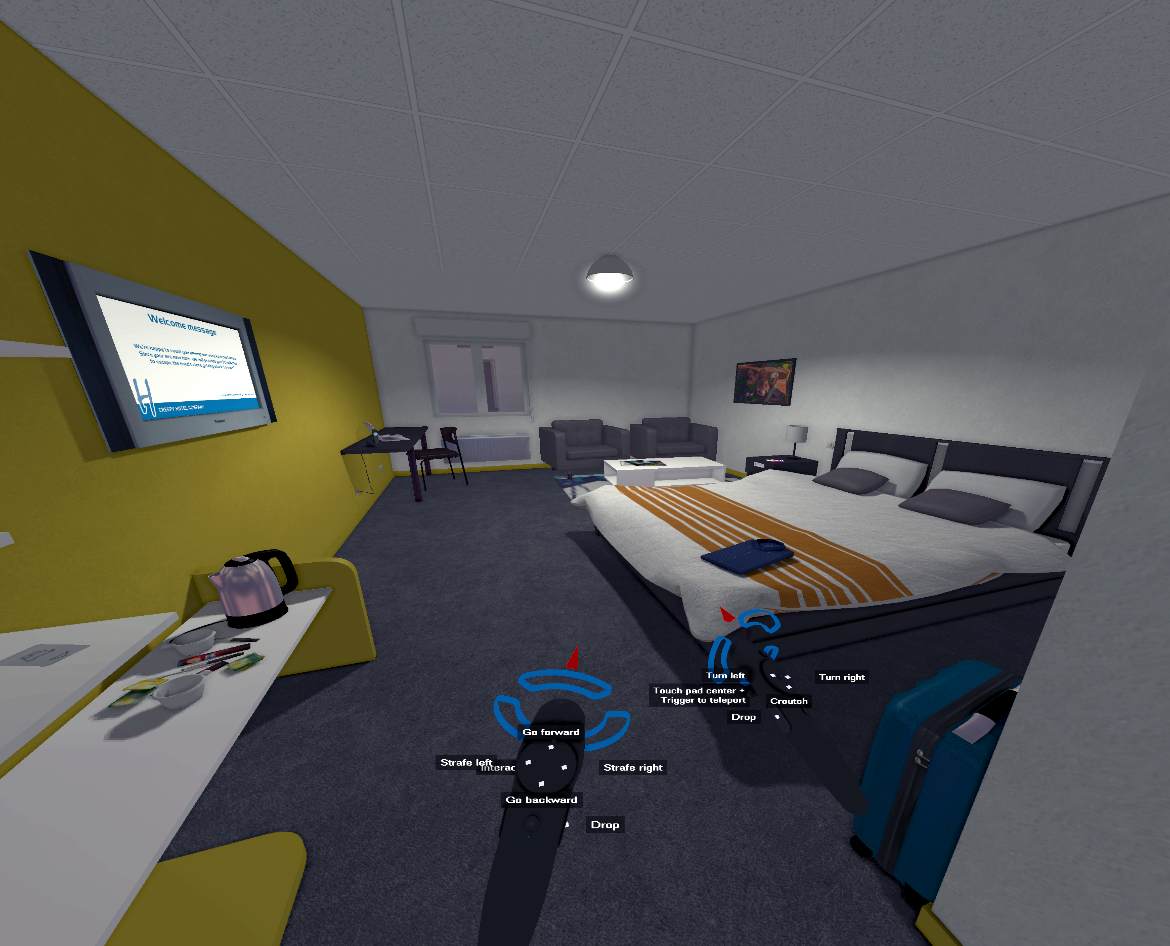
The VR templates have been updated to support both OpenVR compatible headsets and Oculus standalone headsets, and to offer improved ergonomics and more flexibility. The behavior of 3D VR interfaces has been revised, for a more fluid and pleasant experience.
PlugITs have been improved too! The “Custom Interface” plugIT gains in flexibility, now making it possible to change the hierarchy of interface elements and to hide the elements during editing for faster, simpler and more readable changes. The “Real-time graph” plugIT has also been updated and now offers better sizing, to display a legend and to export the graph in .png format.
Finally, the new plugIT “Object 2D position” will allow you to easily position objects on the screen from 2D coordinates. Creating user interfaces from 3D objects has never been so precise and easy!
OpenSpace3D 1.82
OPENSPACE3D V1.82: Theme editor
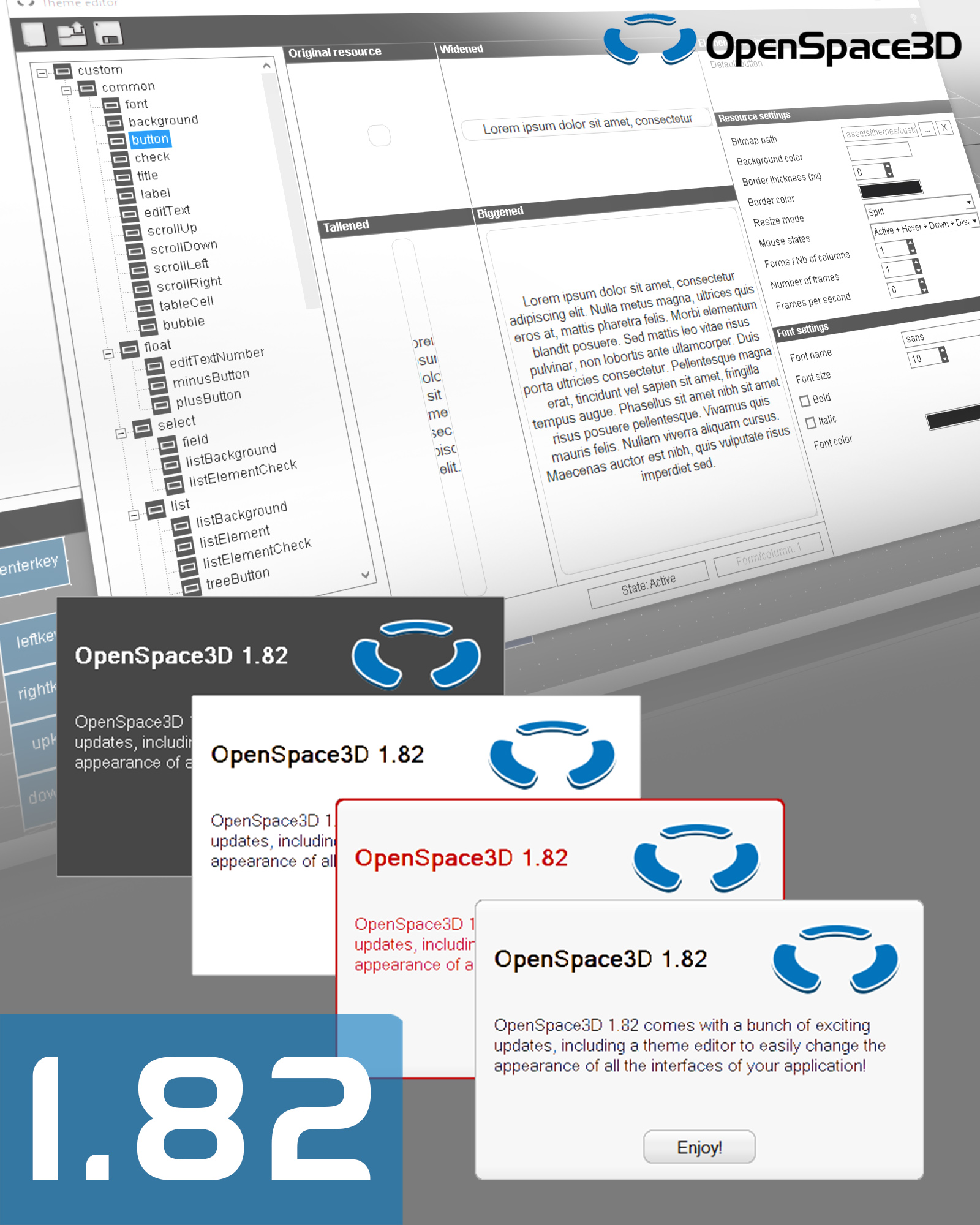
The version 1.82 of OpenSpace3D finally brings the theme editor which allows to easily edit the overall appearance of the user interfaces of your applications. Using a theme helps to standardize your interfaces, facilitates the construction of a graphic chart and the switch between several appearances. It also allows you to change the appearance of elements that did not allow it so far, such as dialogs.
All compatible interface plugITs have been updated to be able to use them, and two new themes, a light and a dark one, are included to test and get an idea of the possibilities offered by the interface themes.
You can learn how to use the interface themes here.
FACILITATE THE USE OF OPENSPACE3D
This update includes a plugIT search engine, making it easier to find the plugIT adapted to your need from keywords.
We also began to rework the online documentation, and integrated an offline version with OpenSpace3D so that it is always accessible.We plan to gradually improve it, and we need your help for that: do not hesitate to contact us if you spot an error or if you still have questions. Better yet, join us on the forum to ask your questions and participate in the development of OpenSpace3D and its community. We go there very frequently to answer you.
In addition, we will now be offering a beta version for upcoming OpenSpace3D releases on the forum a few weeks before their releases, and we need your help to test, debug, and improve the new features before release.
MULTIPLE IMPROVEMENTS
The scale of user interfaces for mobile devices has been improved to keep an equivalent size for a variety of screen sizes and resolutions, and it is possible to apply your own scaling factor.. The material editor lets you change the orientation of the light in the preview, the precision of the user interfaces has been increased to allow more precise positioning, the behavior of multi-touch has been improved …
We continue to regularly update many aspects of OpenSpace3D, more or less visible, to increase the quality of the applications you can produce and improve your experience with the software. We work with you to make your job easier, provide tools that meet your needs, and reduce the workload required to build an application.
OpenSpace3D 1.81
OPENSPACE3D V1.81 : Interactivity and support
OpenSpace3D is still evolving, this time with a number of small additions allowing more interactivity.
Thus, it is now possible to use text fields concealing their content to enter passwords, and the new plugIT “Hash” can encrypt them according to various algorithms for secure transmissions.
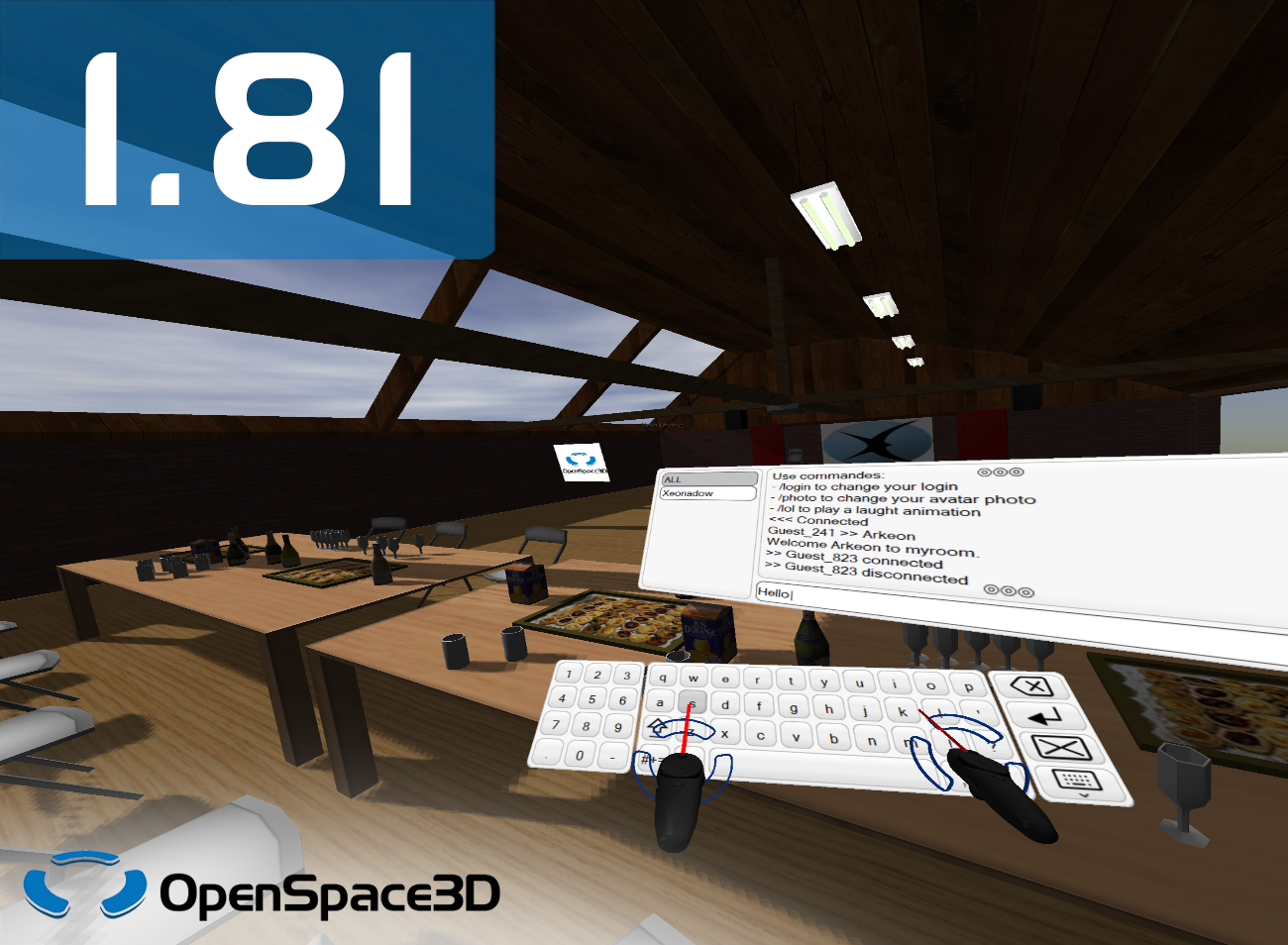
Recent interface plugITs now also support multitouch, allowing you to interact with multiple elements simultaneously, making it possible to create complex touch controls!
NEW ANDROID EXPORTS
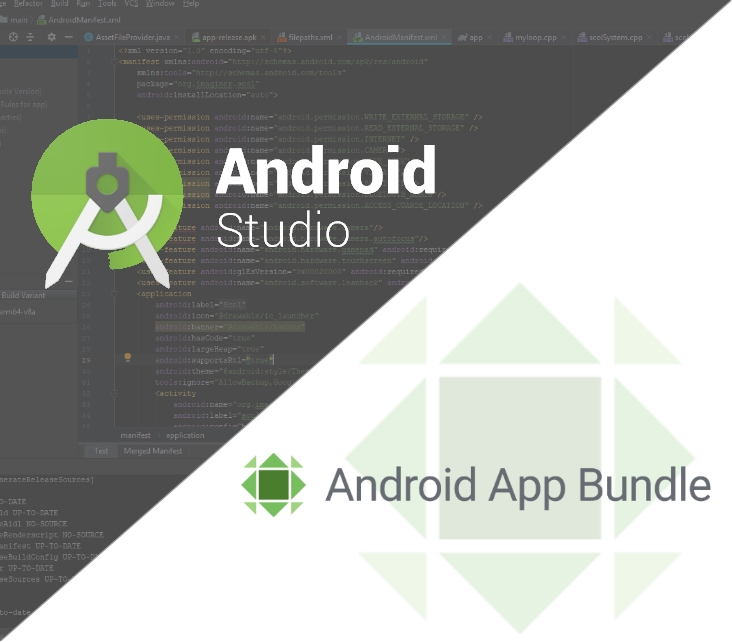
As previously announced, two new export types have been added for Android: the App Bundle export, the new format offered by Google for the Play Store to simplify the deployment of optimized applications, and the Android Studio project export, allowing developers to tweak their application or integrate it into another application using Android Studio.
For other additions for Android, the plugIT “Share” now allows to trigger a file or text sharing, the plugIT “Open file” can open a file with a third-party application (on all systems), and the size of interfaces now adapts automatically according to the pixel density of the device used.
STILL A BIT MORE ?
This update also brings compatibility with the latest version of Raspbian, Raspbian 10 Buster.
On Windows, the “ODBC” plugIT now allows access to any type of database to data through the eponym API.
Minor fixes have been made on some plugITs and small optimizations have been made on various aspects of the software, continuing to increase the performance and reliability of OpenSpace3D.
OpenSpace3D 1.80
OPENSPACE3D V1.80 : Technical reworks and convenient options
OpenSpace3D 1.80 was the occasion for us to update and rework a good chunk of the inner workings that make this project possible, so although it may not be apparent, it has been a great enhancement for us.
But that is not all because as always, this version brings in its share of new plugITs, new features, new optimizations and new ergonomics enhancements !
Three new plugITs join the list to allow the manipulation and display of arrays, while some of the biggest plugITs now only show the most importants of their features when opened. Of course, no feature was removed, and every the non-essential feature is just a click away from you.
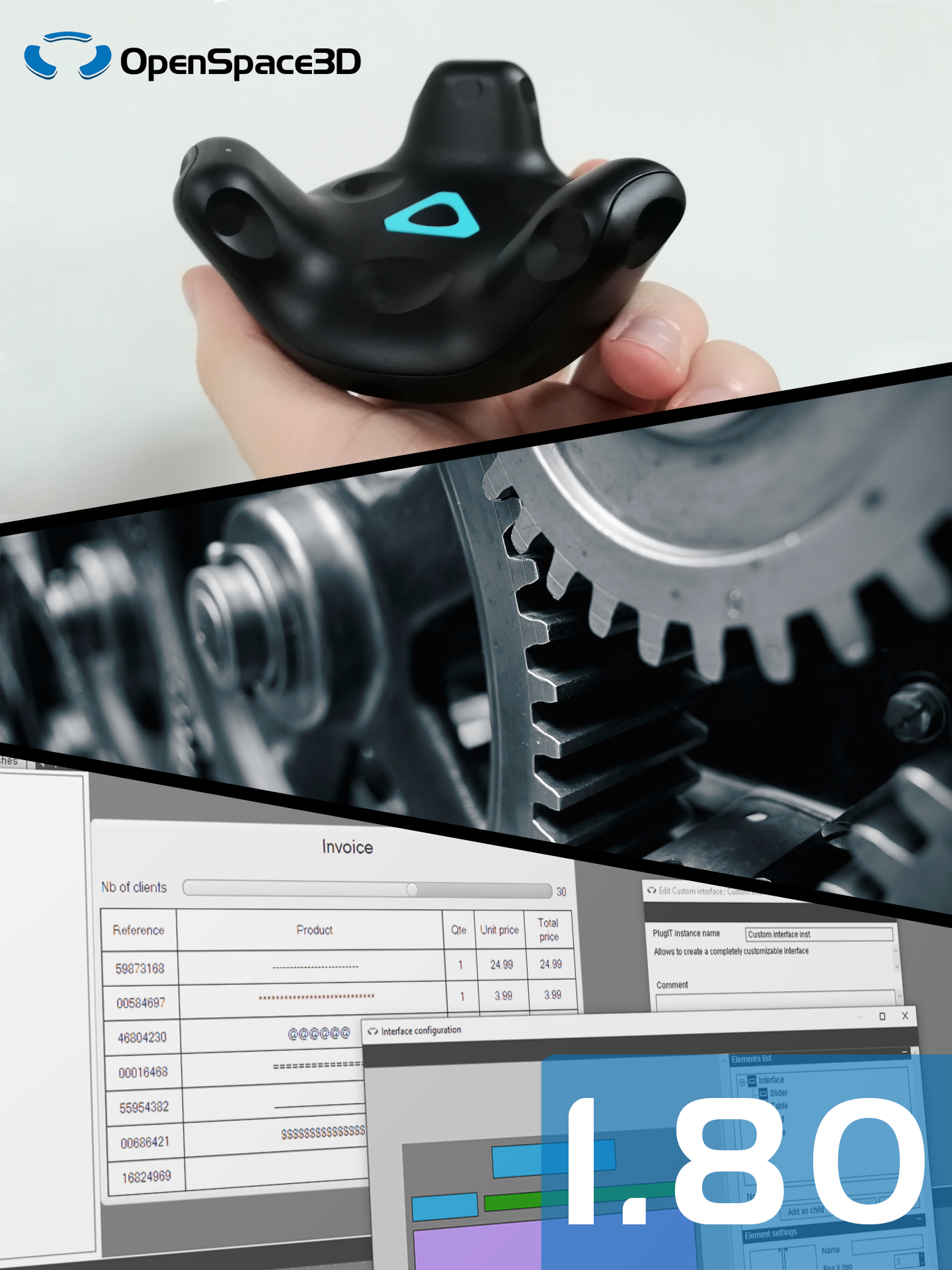
The “Custom interface” plugIT has been vastly improved with two brand new element types availables, new options on existing types and many ergonomic and functionality fixes. Almost all of the interfaces plugIT can now be navigated with the keyboard arrows, a controller or a remote, depending on the device you use.

YOUR OWN OBJECTS IN VITUAL REALITY
Virtual Reality has been improved once again in OpenSpace3D, this time with VR trackers support such as the HTC Vive Trackers.
Attach these trackers on any object so that it can be tracked and integrated in the virtual world to create perfectly natural interactions.
Others improvements include several options for the pointer rays, an auto-click option to simulate a touch from the controller on clickable interfaces or objects.
A FULLY REWORKED ANDROID EXPORT
Although almost unchanged in appearance, the internal workings of the Android export have been completely revised to use more modern techniques, more in line with Google’s standards.
This allowed us to add support for 64-bit architectures (arm64-v8a and x86_64) and Android TV, and we plan to add the ability to export your projects as an App Bundle and Android Studio projects in the future.
Also, following a few reports that several Android smartphones and tablets could not run OpenSpace3D applications, we would like to know if this update solved the problems for these devices. Your returns will be most appreciated.

AND STILL MORE
The 3D models import options are saved between each import so that you son’t need to set these again for consecutive imports, you can now apply a default scale and import several models simultaneously.
The “SQLite” plugIT now supports UTF-8 encoding, you can move and resize most of the Interface plugITs while the application is running and offset the rotation point of the “Examine view” plugIT to accomodate an interface covering part of the screen.
Various corrections have been done on several plugITs and functionalities of OpenSpace3D, and some other functionalities are already under development.
TOP